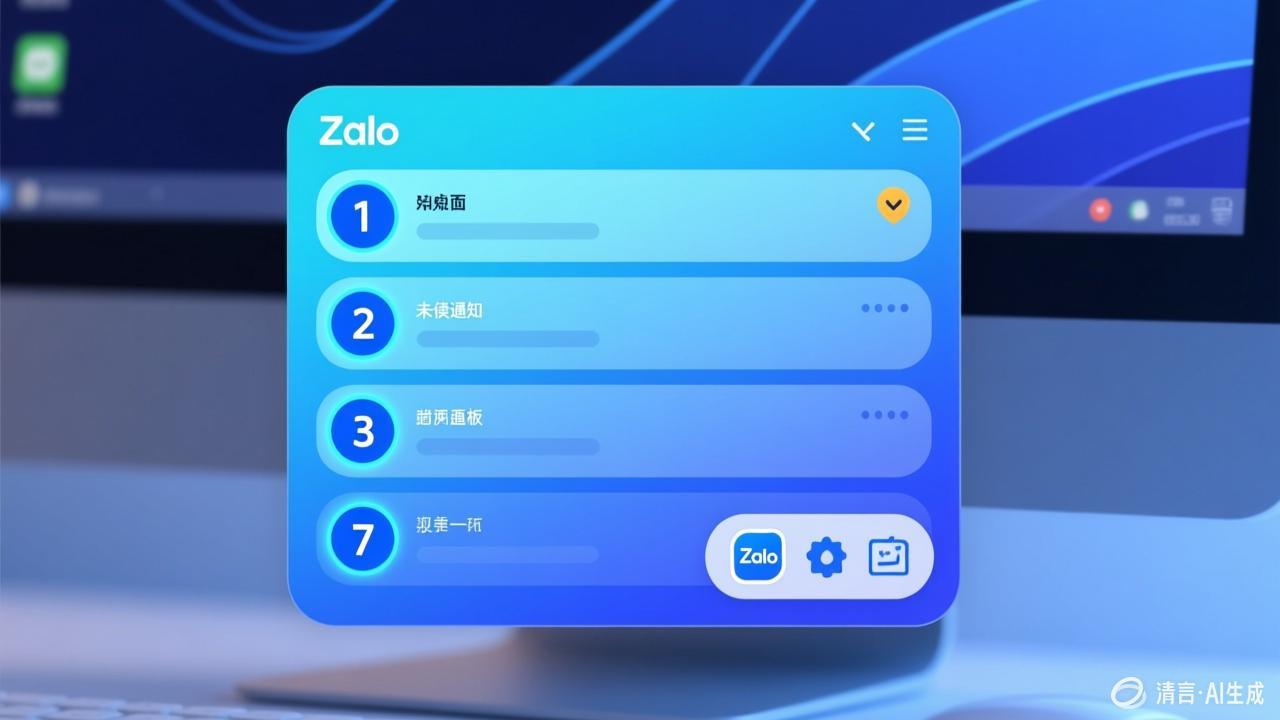
Zalo Desktop Message Management
Offline Messages
- Messages received while offline are automatically retrieved upon reconnection
- View the timeline of offline messages
- Important messages are prioritized for notification delivery
- Offline messages from group chats are consolidated for display
Notification Management
- System notifications: Native pop-up alerts on Windows and Mac
- Sound notifications: Customizable alert tones
- Taskbar flashing: Unread message reminders
Do Not Disturb Settings
Set specific time periods for Do Not Disturb or assign different notification levels to individual chats.