Zalo Mini App: A New Opportunity for Developers
Zalo Official Account provides developers with complete development documentation and tool support.
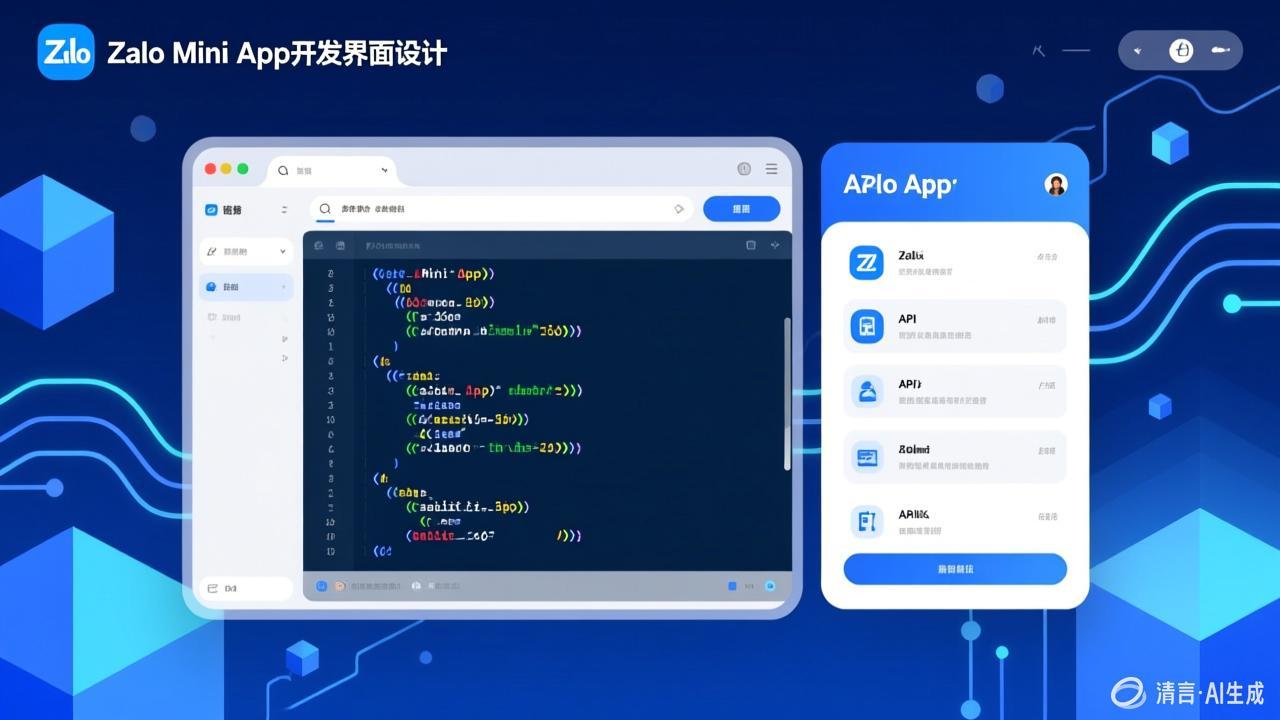
What is a Zalo Mini App
A lightweight application running within Zalo that can be used without downloading or installing.
Setting Up the Development Environment
- Visit the Zalo Official Account Developer Center to register an account
- Download the development tools
- Create a project and obtain the App ID
- Refer to the official documentation to write code
- Use the development tools to preview and debug
Core APIs
- User authorization and login
- Message sending
- Payment interface (ZaloPay)
- Geolocation services
After development is complete, submit it for review through the Zalo Official Account to publish.