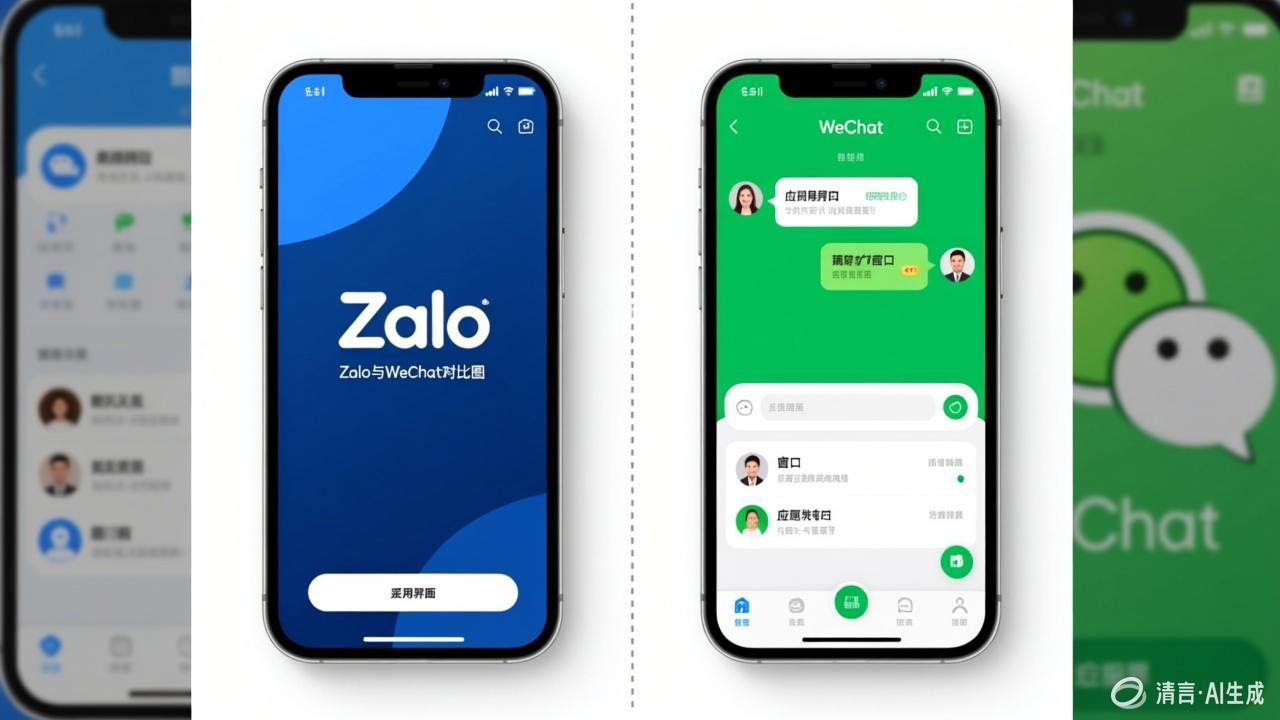
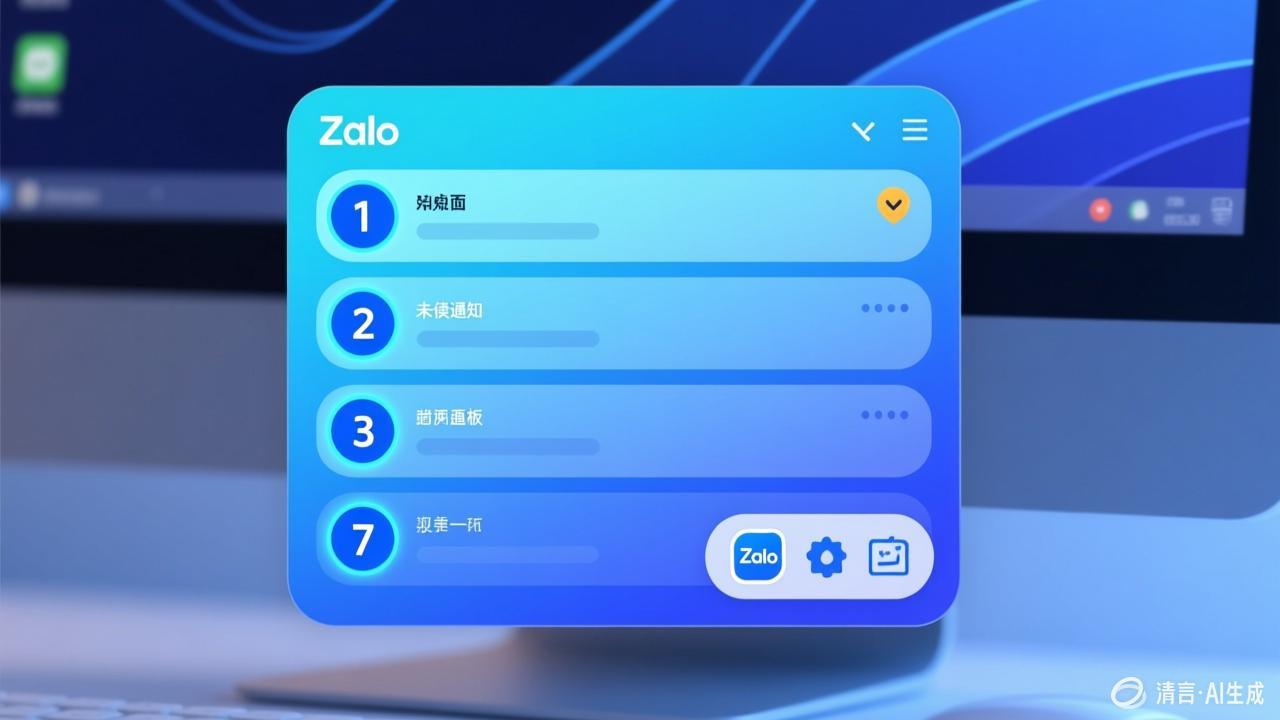
Zalo User Guide: From Beginner to Pro
Basic Settings
- Switch language to English: Settings → Language → English
- Complete your profile: avatar, nickname, bio
- Notification settings: customize message alerts and sounds
Chat Features
- Start a chat: tap the plus icon and select a contact
- Send messages: text, images, voice, video, files
- Recall messages: long-press a message and select Recall (valid within 2 minutes)
- Pin a chat: long-press the chat and select Pin
Group Features
Create group chats with up to hundreds of members. Supports group name, group avatar, and group announcement. Group admins can manage members and set permissions.
Advanced Tips
- Use the @mention feature to get a specific member's attention
- Mute group notifications
- Use the search function to quickly find past messages
For more detailed tutorials, visit the Zalo official website Help Center.