Master Message Notifications in Zalo Chinese Version
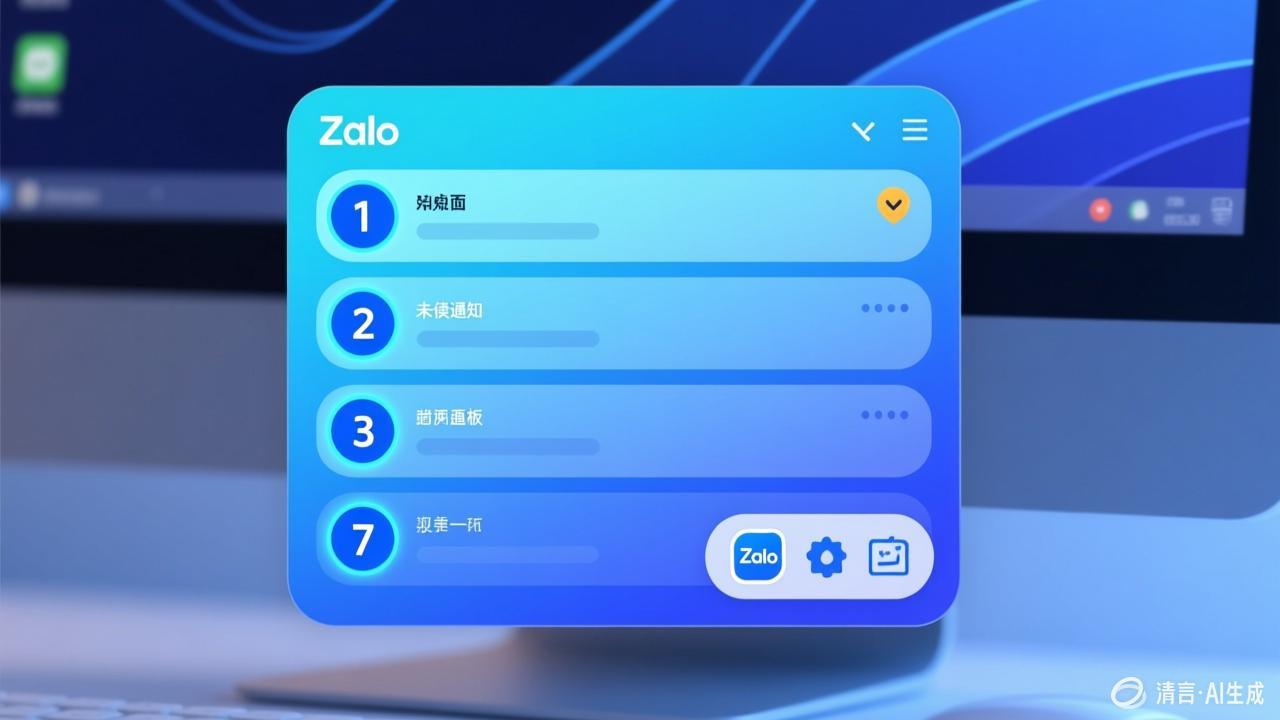
Notification Settings
- All Notifications: Alerts for all messages
- Important Notifications Only: Alerts only for @mentions and pinned chats
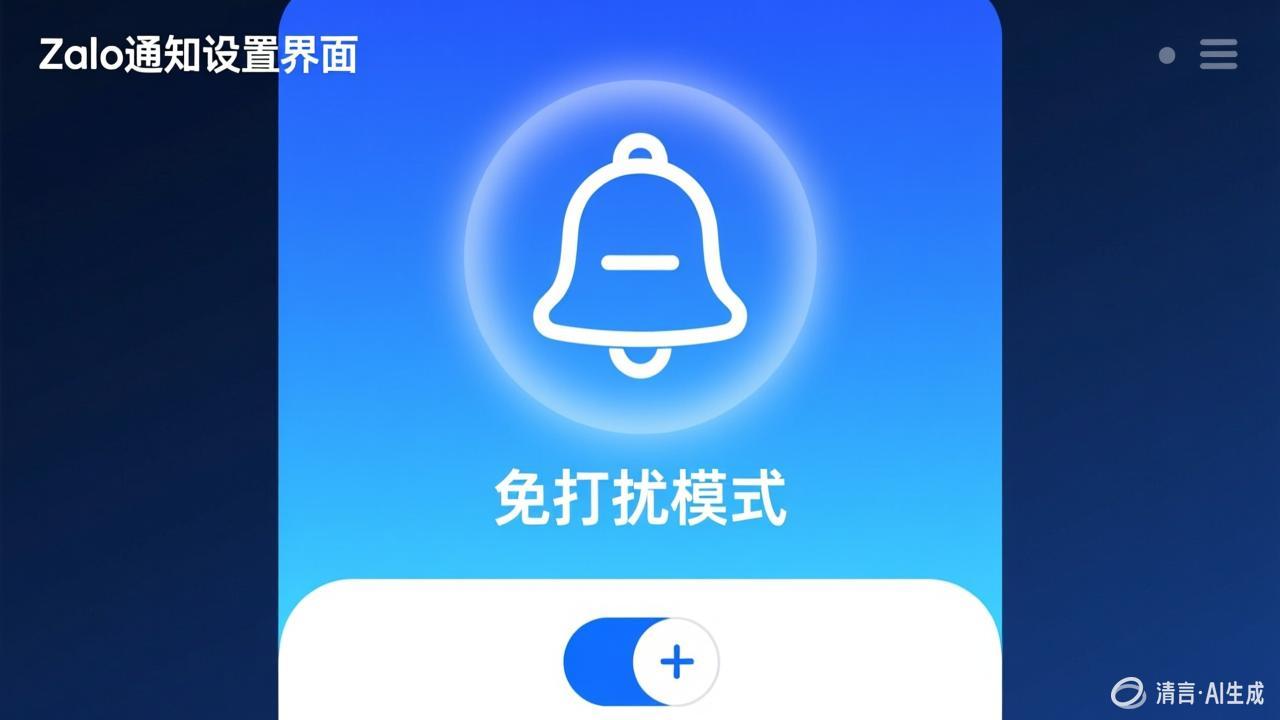
- Do Not Disturb: Temporarily turn off all notifications
Scheduled Do Not Disturb
- Go to Settings → Notifications → Do Not Disturb
- Set the do not disturb period (e.g., 22:00-08:00)
- Choose whether to allow important contacts to bypass do not disturb
Individual Chat Notification Settings
You can set independent notification methods for specific chats: mute specific group chats, customize ringtones, etc. Never miss important client messages.