Personalize Your Zalo Desktop
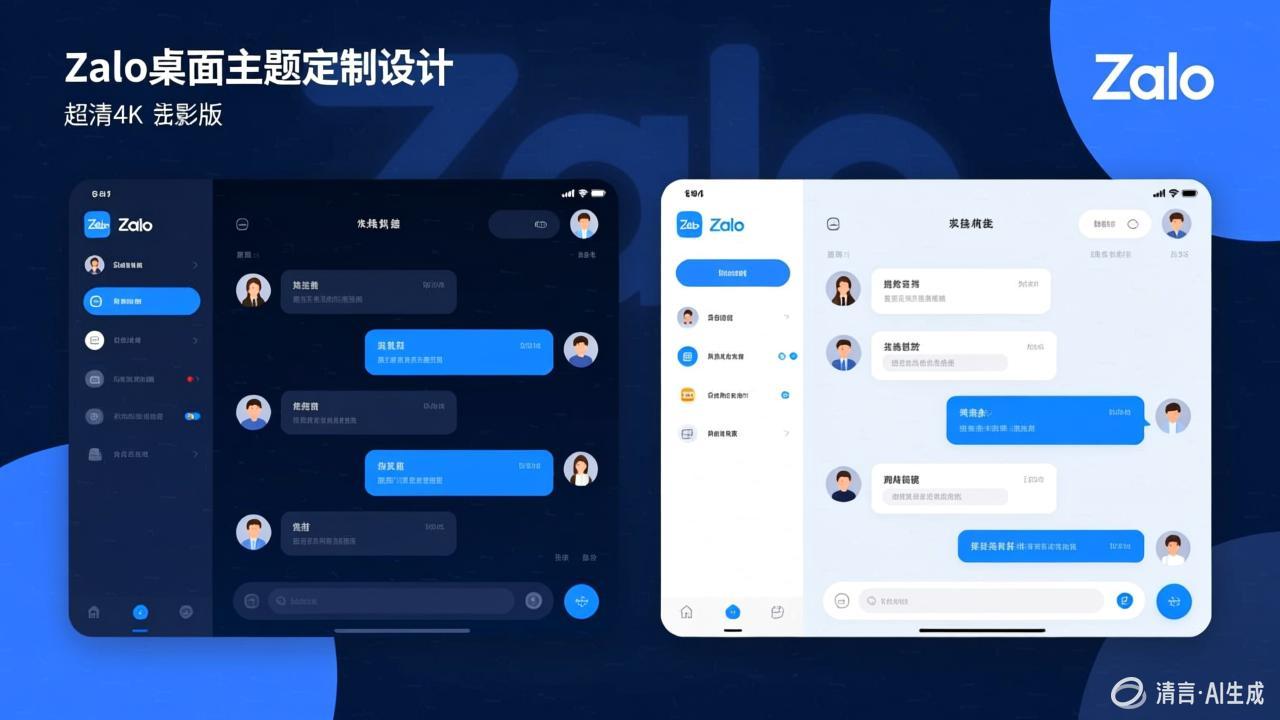
Theme Settings
- Light Mode: Clean interface suitable for daytime use
- Dark Mode: Protects eyes, ideal for nighttime use
- Follow System: Automatically switches based on system settings
Chat Settings
- Adjust font size
- Choose chat bubble style
- Customize chat background
Zalo Desktop supports flexible window layout adjustments. Download the latest version from the Zalo official website to experience all customization features.