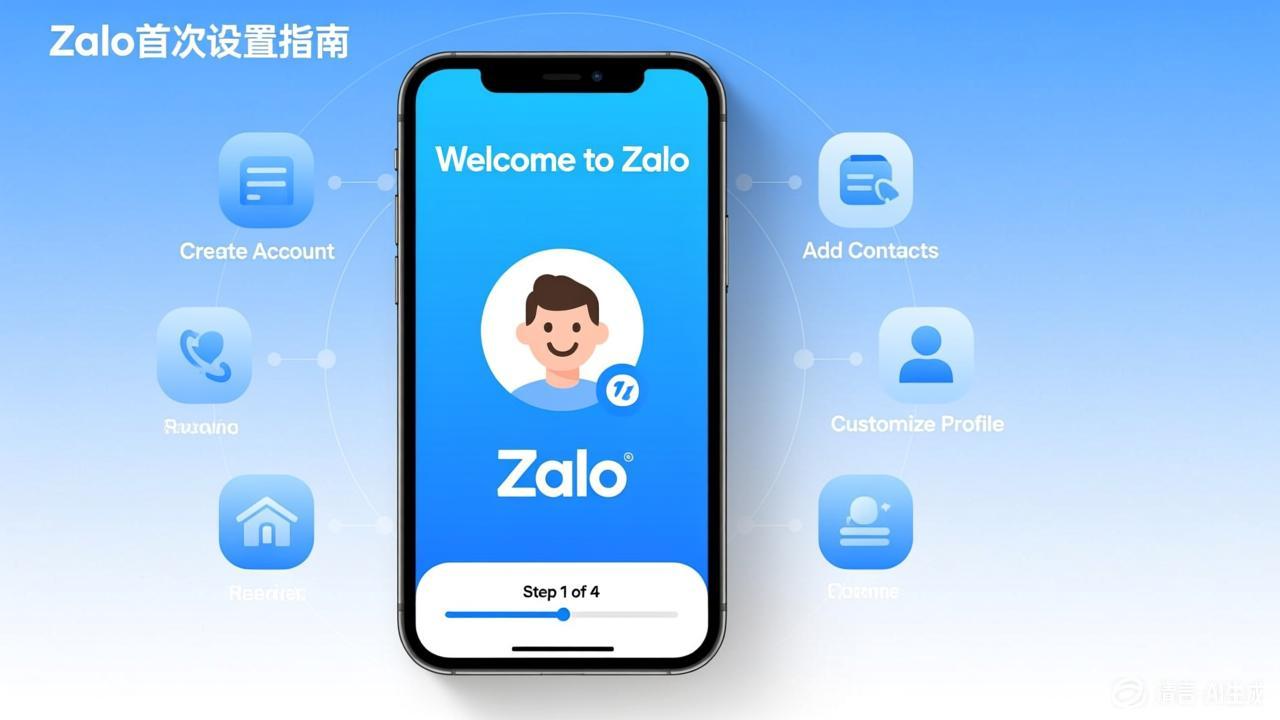
First Steps After Downloading Zalo: A Complete Getting Started Guide
Step 1: Register and Log In
- Open the Zalo app
- Enter your phone number to register
- Verify your phone number
- Set a password and profile picture
Step 2: Add Friends
- Search and add by phone number
- Add by scanning a Zalo QR code
- Import from your phone contacts
Step 3: Start Chatting
- Send your first message to a friend
- Try sending images, voice messages, and videos
- Create your first group chat
Visit the Zalo official website to learn more features.